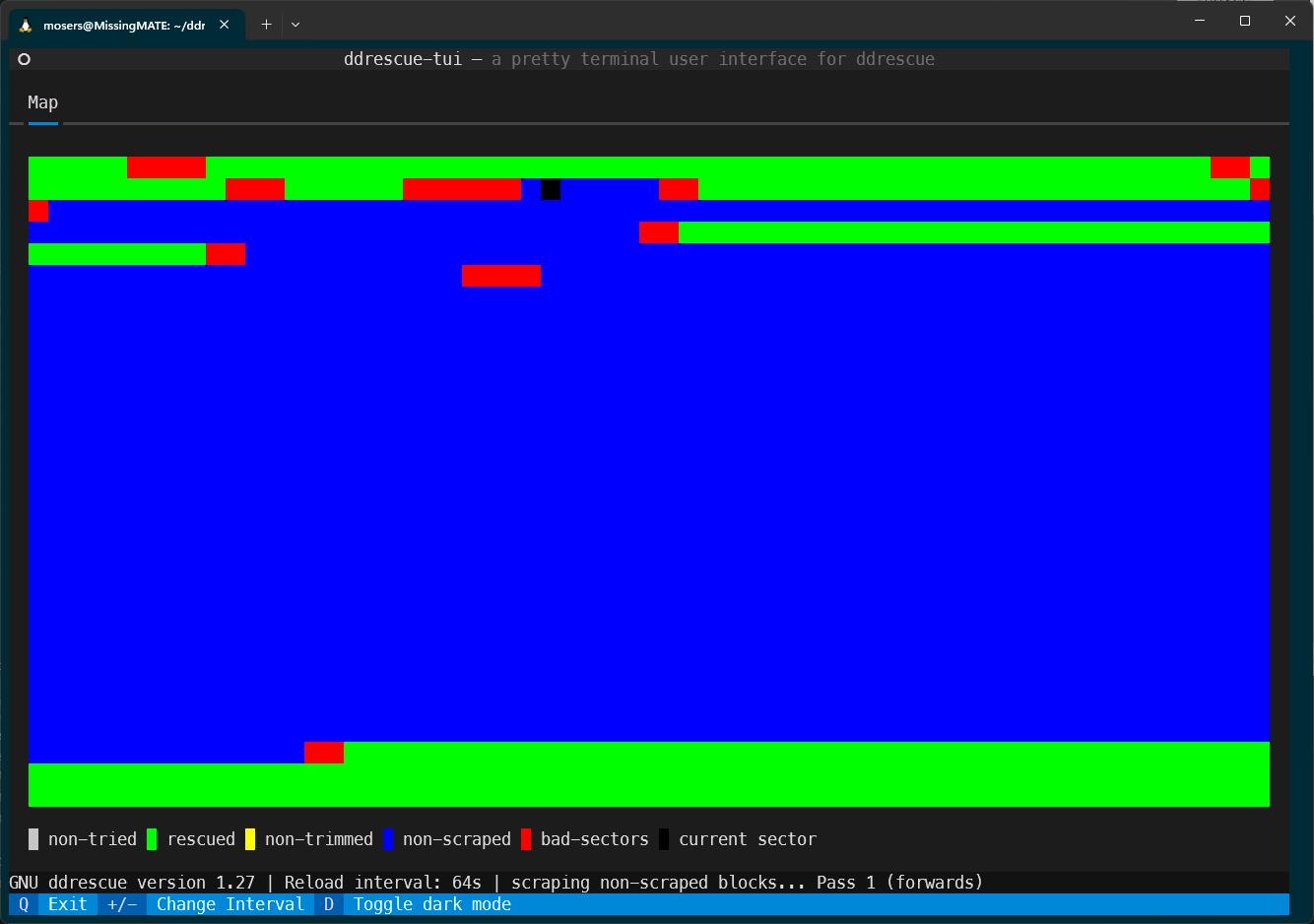
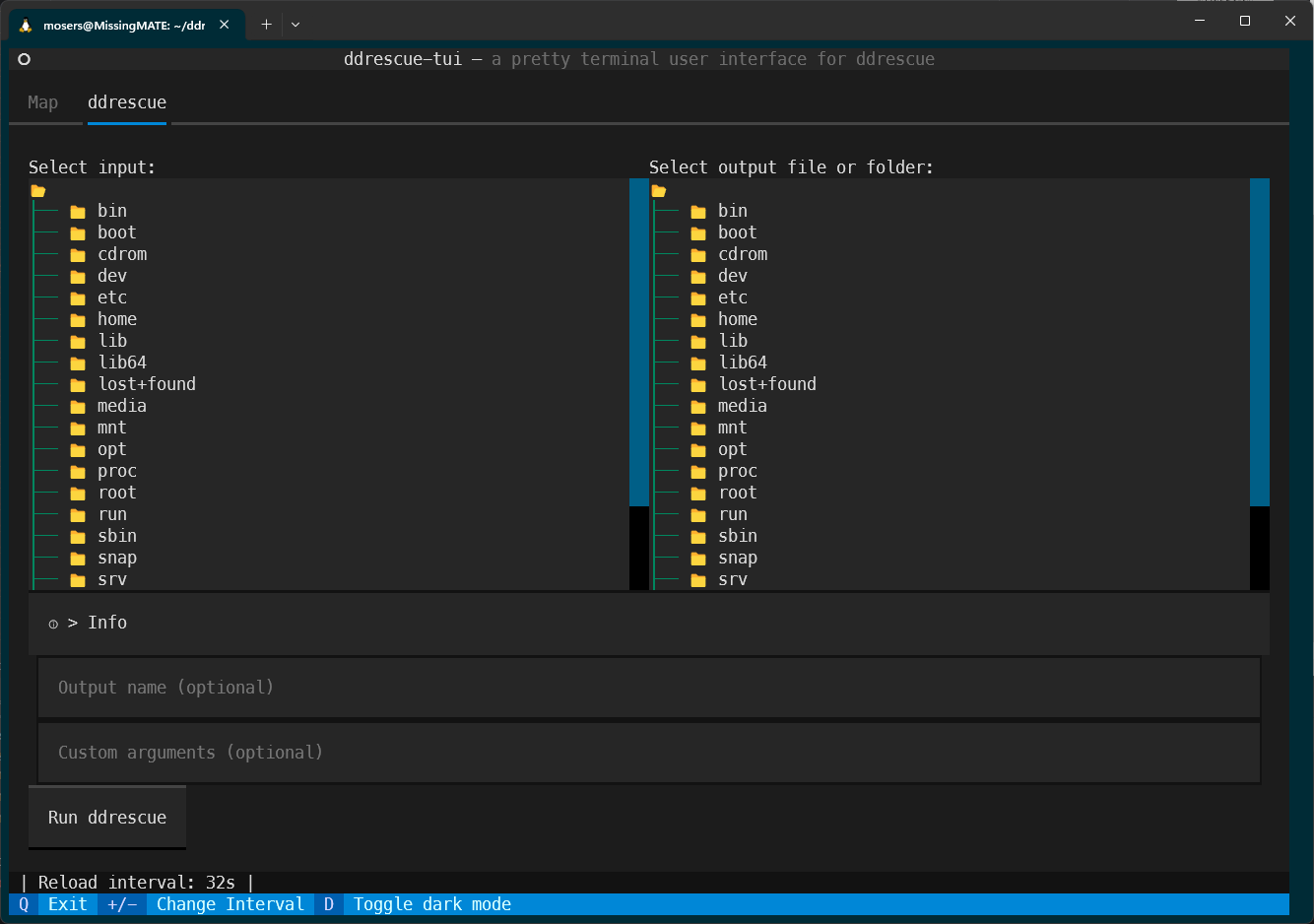
- TeX 72.7%
- Python 26.9%
- Shell 0.4%
| .github | ||
| mapfiles | ||
| report | ||
| src/ddrescue_tui | ||
| tests | ||
| .gitignore | ||
| LICENSE | ||
| pyproject.toml | ||
| qodana.yaml | ||
| README.md | ||
| utilctl | ||

ddrescue-tui

Report
The report can be found in /report/.
The directory contains both the PDF file as well as the LaTex sources.
Installation
Requirements:
The following packages required:
- python3.10 or higher
- pip modules:
- matplotlib
- numpy
- textual
- rich-pixels == 2.2.0
- gddrescue
Optionally for development:
- pip:
- build
- setuptools
- textual-dev
Installing
Installing so it can be used from everywhere with ddrescue-tui can be done with ./utilctl install or manually with pipx install . inside of the project directory.
utilctl also installs all necessary requirements
I recommend using pipx to avoid possible conflicts
Alternatively, a .whl file can be downloaded from the releases tab and installed with pip.
For running ddrescue directly, the package has to be run as sudo and therefore also installed with sudo.
Building a binary package
Building a package for binary distribution can be done with: ./utilctl build or manually with pipx run build.
Troubleshooting
If the command results in a blank terminal, the Python IO encoding might be not set to UTF-8. You can fix this with
export PYTHONIOENCODING=utf-8 once per terminal session or by prepending the command like this: PYTHONIOENCODING=utf-8 ddrescue-tui <ARGS>
Usage
$  ddrescue-tui -h
usage: ddrescue-tui [-h] [-i I] {open,run} ...

TUI for ddrescue, visualizes the progress using the mapfile

positional arguments:
  {open,run}
    open              open mapfile
    run               run ddrescue on startup (sudo required)

options:
  -h, --help          show this help message and exit
  -i I, --interval I  Initial reload interval (default=32s)

$ ddrescue-tui open -h
usage: ddrescue-tui open [-h] [-n] mapfile

positional arguments:
  mapfile               mapfile to read from

options:
  -h, --help            show this help message and exit
  -n, --noninteractive  Run simple non-interactive mode

$ ddrescue-tui run -h
usage: ddrescue-tui run [-h] [-o [OUT]] [-a ARGS] INPUT OUTPUT

positional arguments:
  INPUT                 input file or device
  OUTPUT                output file or folder

options:
  -h, --help            show this help message and exit
  -o [OUT], --output_name [OUT]
                        output filename
  -a ARGS, --arguments ARGS
                        Custom arguments
Examples
Example mapfiles can be found in ./mapfiles.
Non-interactive
$ ddrescue-tui open -n mapfiles/2024-02-10_virt.map
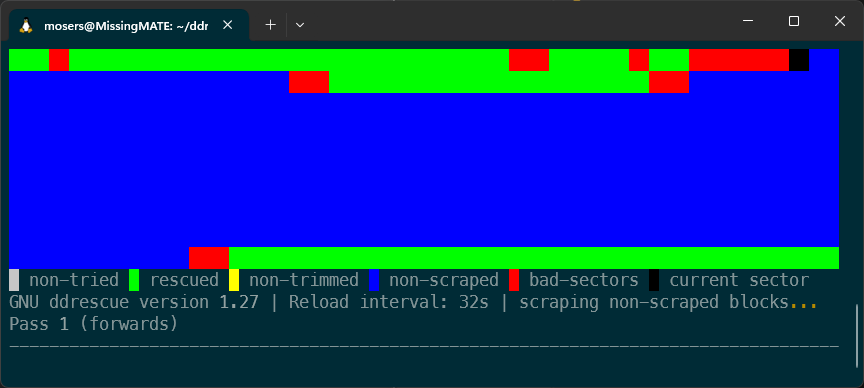
# ddrescue-tui open mapfiles/2024-01-18_HDD.map